 PaperVault
What can metadata include?
PDF properties can include a title, author, subject, and keywords. Metadata may also include creation or modification dates and application-specific fields. The available details vary by file, so a quick visual review cannot tell you everything stored in its properties.
Metadata is not the same as page content
Removing metadata is not the same as redacting a name, account number, signature, or comment that appears on a page. A black rectangle drawn over text may not remove the underlying text at all. If you need to permanently conceal sensitive visible information, use a dedicated redaction workflow and verify the resulting file. PaperVault's metadata tool should not be treated as a redaction tool.
Remove metadata from a PDF copy
- Keep the original file in case you need its properties later.
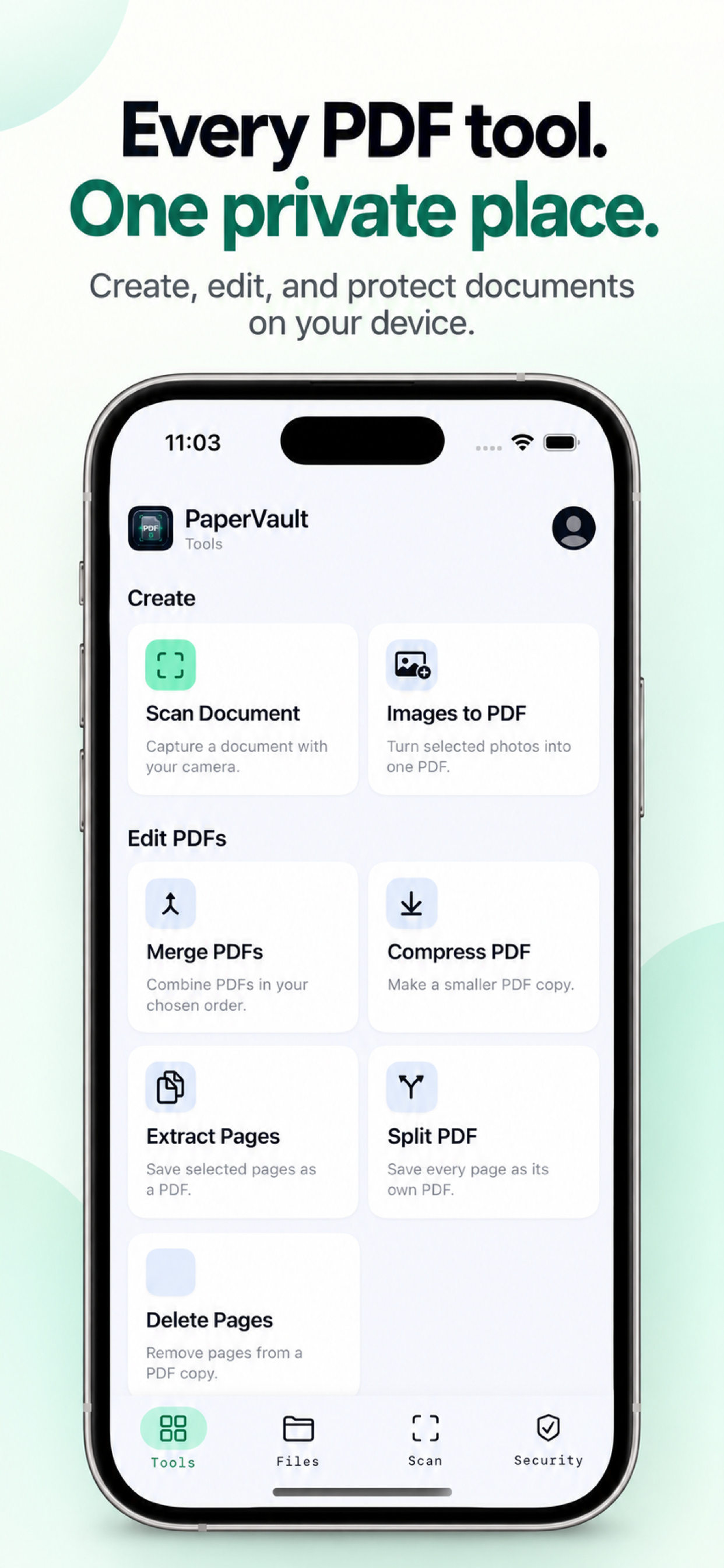
- Use a PDF app that explicitly offers metadata removal. PaperVault lists Strip Metadata and describes removing details such as author and location information.
- Save the cleaned result as a separate copy.
- Open the copy and review every page for visible information you still need to remove or protect.
- If metadata needs to be removed for a formal privacy or compliance requirement, verify the output with an appropriate inspection tool and follow your organization's process.
A short before-sharing checklist
- Check the filename and document properties for information you did not intend to disclose.
- Review visible pages, comments, attachments, and signatures separately from metadata.
- Confirm the cleaned copy opens and still contains the information the recipient needs.
- Use a trusted transfer method and send it only to the intended recipient.
PaperVault privacy: Its App Store listing says metadata removal is processed on-device. Read the privacy policy for the broader explanation of document processing and file-provider behavior.