Do my documents leave my device?+
PaperVault processes PDFs, image conversion, OCR, compression, and metadata removal locally. It does not upload your documents to developer-controlled servers. If you choose files from iCloud Drive or another file provider, that provider handles its own storage and transfers.
Do I need to create an account?+
No. PaperVault does not require a user account. Your generated documents are saved in the app’s local storage, where you can open, share, rename, and manage them.
What can I do with my PDFs?+
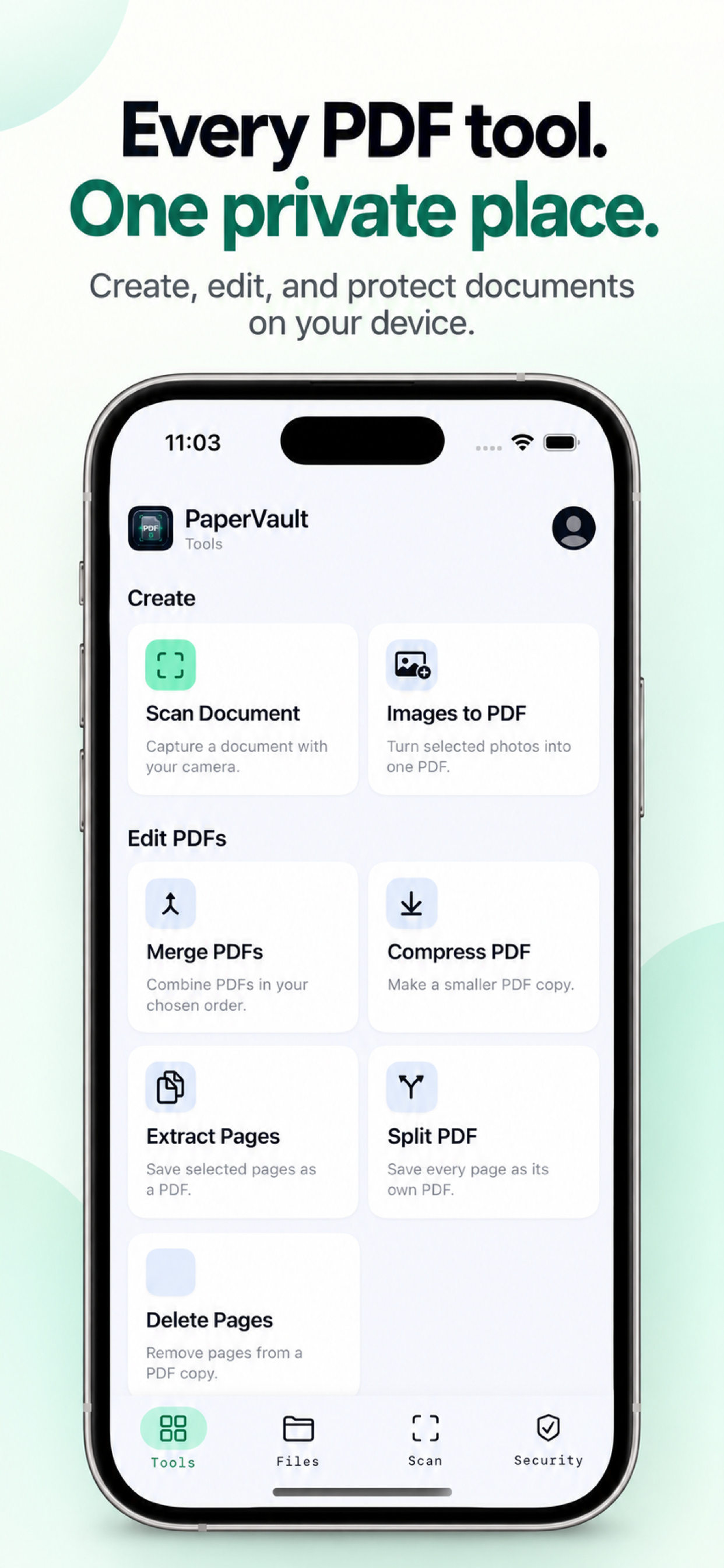
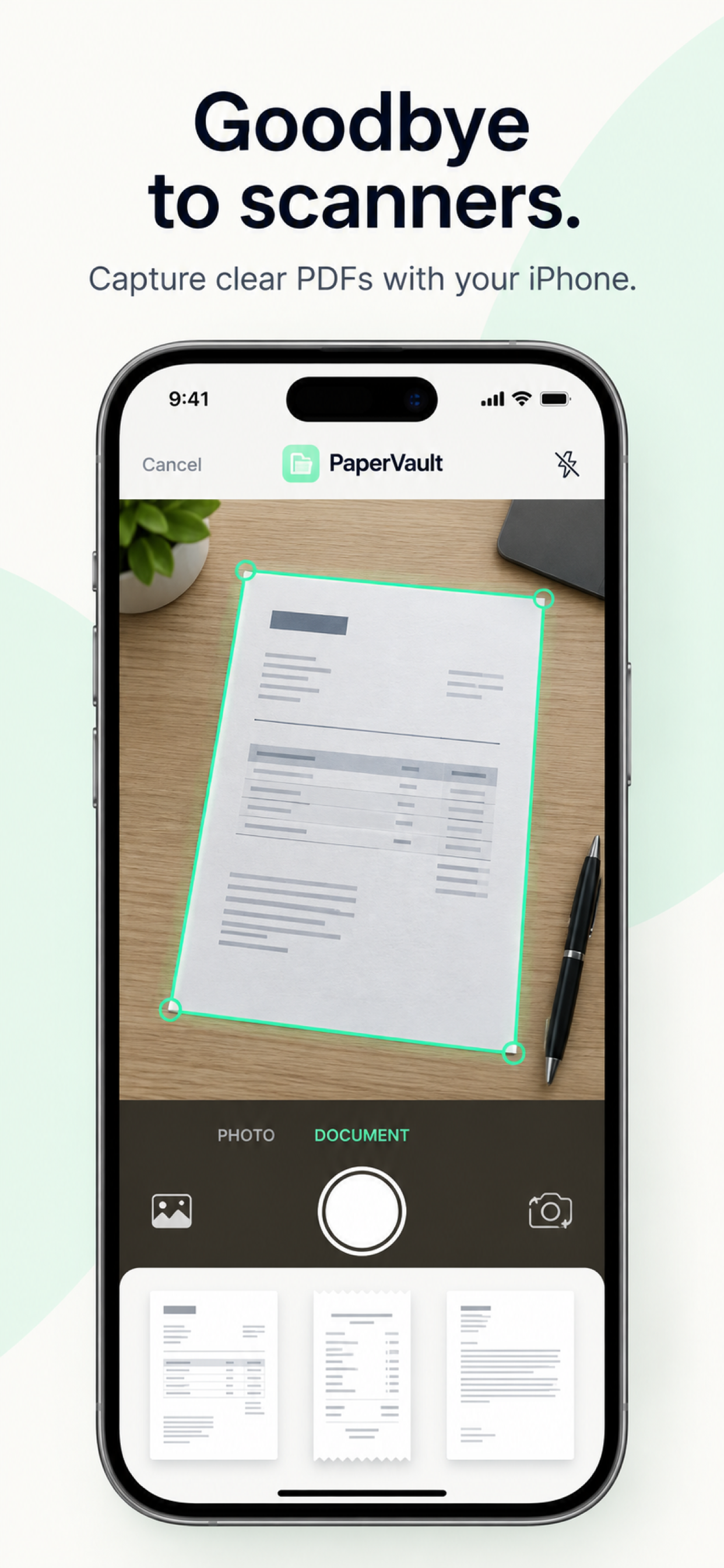
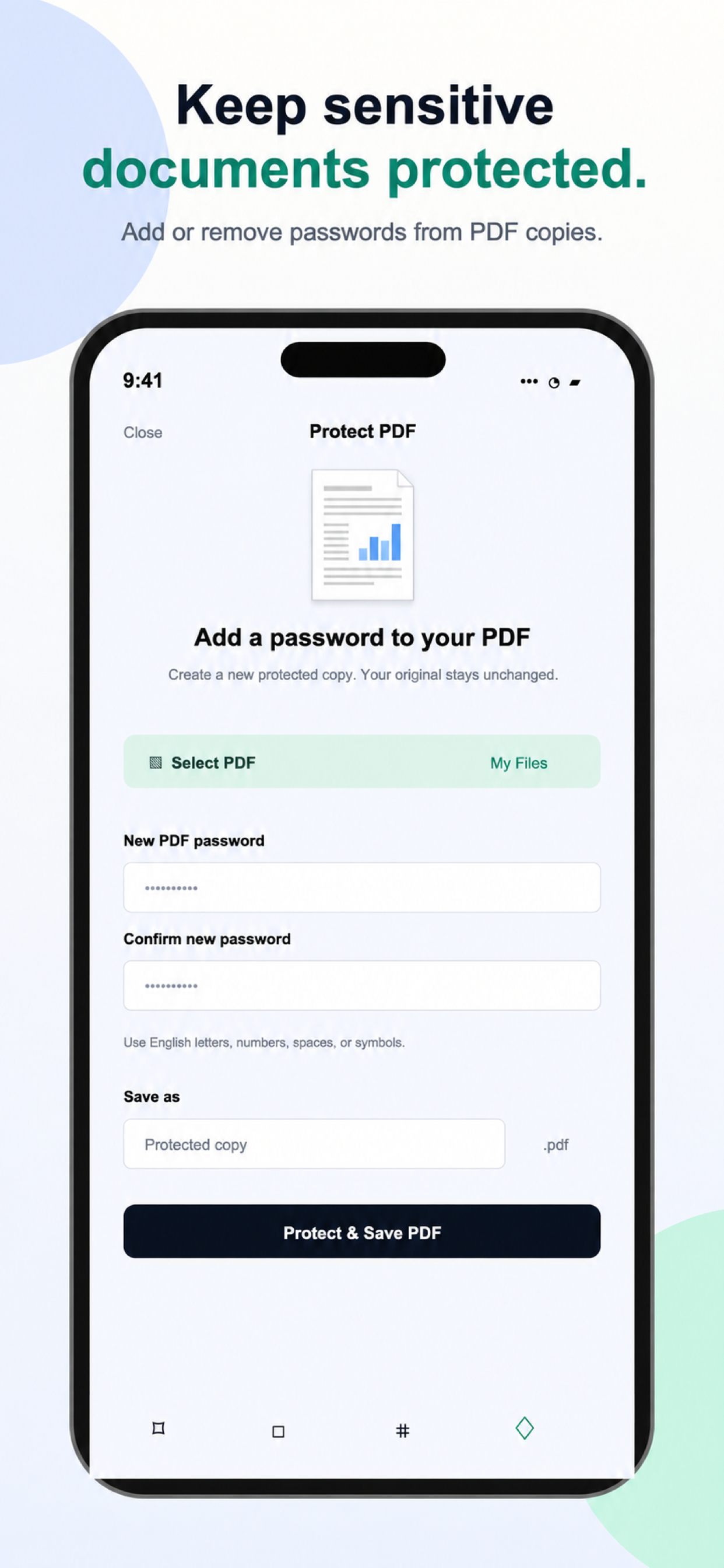
Scan documents, convert images, merge, compress, extract, split, and delete pages. You can also recognize text with OCR, remove metadata, add a signature, protect a PDF with a password, or remove a password you already know.
Can you recover a forgotten PDF password?+
No. You are responsible for keeping your PDF passwords safe. Removing password protection requires the document’s existing password.
How can I get help?+
Contact tshank30@gmail.com with questions about PaperVault or its availability.
 PaperVaultDownload app