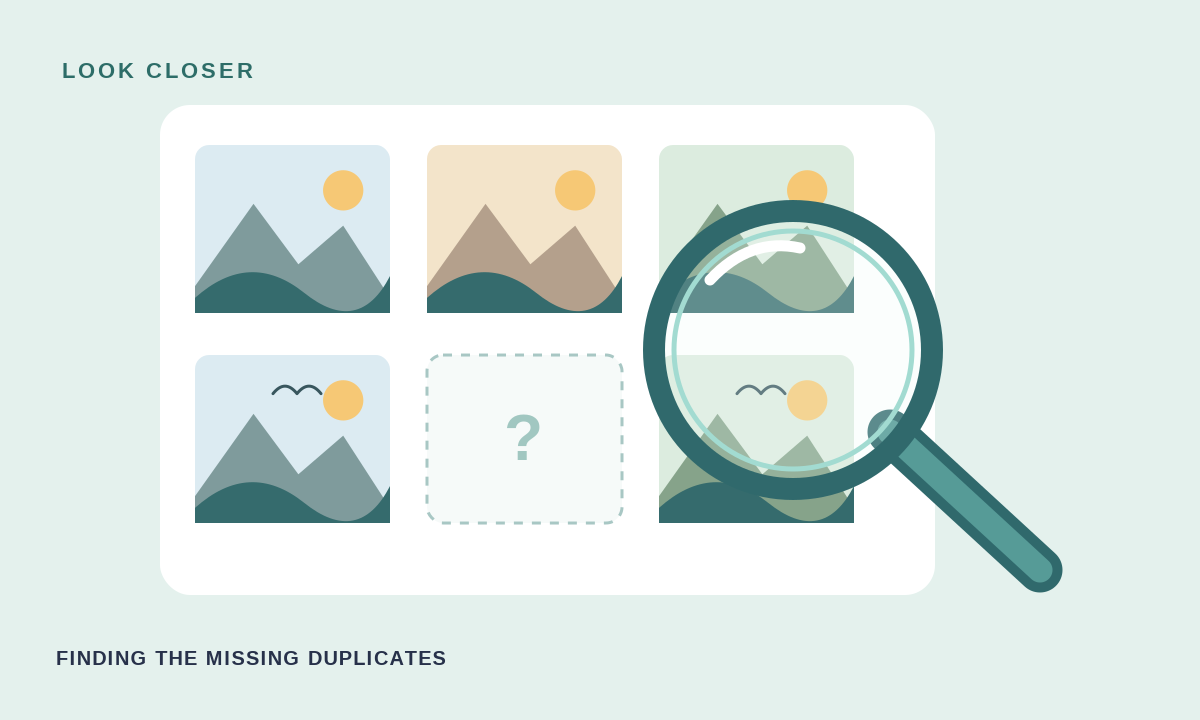
Can Fast Cleaner help when iPhone Duplicates is missing?
Fast Cleaner provides a separate review workflow for duplicate and similar photos. A missing Apple Duplicates collection can still reflect indexing or a lack of identified matches, so it is worth checking Apple’s prerequisites before choosing another tool.
If duplicate photos are not showing up on your iPhone, give Photos time to finish its detection process before assuming something is broken. Also check whether you are looking for identical copies or simply pictures that look alike.
Two holiday photos can seem interchangeable at a glance while containing different expressions or details. The reason a tool did not group them may be different from the reason an entire Duplicates collection is absent.
- Apple’s duplicate detection needs a locked iPhone connected to power.
- A collection can be absent because no duplicates have been identified.
- A third-party app can only review the media available through its permissions.
Let Apple’s detection process finish
Apple’s troubleshooting guidance says Photos first indexes the library and then identifies duplicates. The phone needs to be locked and connected to power, and processing may take a few days depending on the library and background work.
Leave the phone charging and locked when you are not using it. Reopening Photos every few minutes is not a useful test of whether that background process has finished. If you recently imported a large library, make a note of when the import completed.
Look for Duplicates in your version of Photos
In current Photos layouts, look in Collections → Utilities → Duplicates. Older layouts can place Utilities under Albums. Apple notes that the collection does not appear if no duplicates have been identified.
Use the official guidance for your software version if the labels differ. A missing collection does not establish that every visually related photo has been evaluated as an unwanted copy.
Separate duplicate copies from similar moments
Think of three cases: the same image imported twice, two rapid shots of the same person, and an edited version alongside its original. They pose different questions even if a cleanup app presents them together.
For the imported copy, you may want one usable version. For the rapid shots, someone may have their eyes open in only one frame. For an edit, the original may still matter for future changes.
“These look similar” is a reason to compare the pictures closely. It is not an instruction to delete all but one.
Try comparing faces, text, crops, and important background details. Our similar-photo guide covers that review separately from exact-copy cleanup.
If a cleaner misses pictures, check access
An empty result inside a separate app is a different situation from a missing collection in Apple Photos. Apple’s limited-library documentation explains that an app may only have access to selected items.
On iPhone, open Settings → Privacy & Security → Photos, choose the cleaner, and review its available access options. Apple’s consumer photo-permissions guide explains full and limited access.
Review the app’s photo permission in Settings and compare its visible library with what you intended to share. You can keep access limited; just interpret its results as applying to that selection. Broader access is a choice to make after reviewing the developer and its data practices.
Choose your next step without deleting a test library
If Photos is still processing, wait under the documented conditions. If only similar shots are missing, review that category manually. If a cleaner sees only part of the library, investigate its access and any app-specific restrictions.
Avoid repeatedly exporting and reimporting the entire library to force a result. That adds another change to investigate and makes it harder to understand which copies you want to keep.
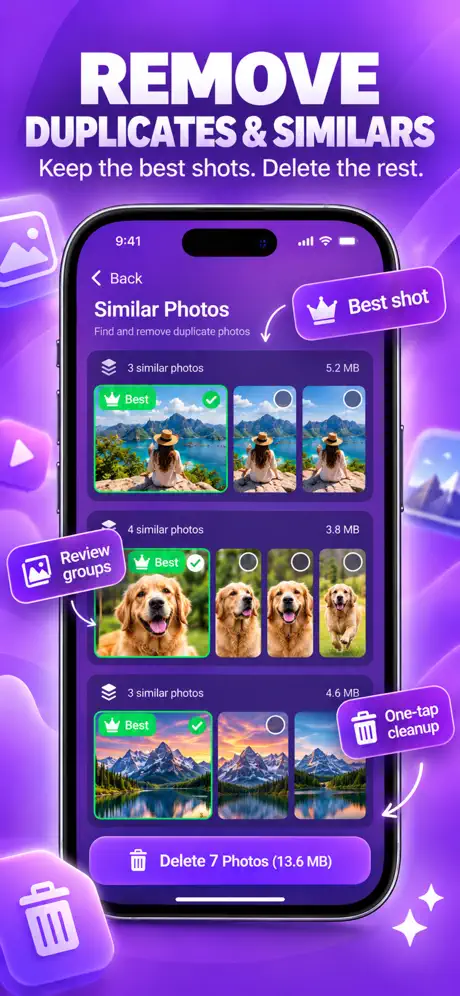
Fast Cleaner offers duplicate and similar-photo review. Its suggestions still need your judgment: compare each group, preserve important versions, and check what is selected before confirming cleanup.
You can also download  Fast Cleaner: AI Photo Clean. Review the features available on your platform and any pricing before choosing an app.
Your review checklist
Mark each point after you have considered it. This worksheet records your review; it does not inspect your device.
You have reviewed each point. Proceed only with the changes you understand and want to make.
Your selections stay in this page’s memory, are not submitted, and reset when you reload.
Common questions
Does a missing Duplicates collection mean there are no repeated-looking photos?
No. It means Apple Photos has not identified duplicates for that collection. Similar compositions and different versions still merit their own review.
Can I make indexing finish instantly?
Apple does not provide a guaranteed completion time. Follow its locked-and-charging guidance and account for recent imports and background work.
Do I need a cleaner to merge duplicates?
No. Start with the tools already available in Photos. A separate app is an optional way to organize additional review.
Missing Apple collection or empty cleaner results?
| Situation | Possible explanation | Check first |
|---|---|---|
| Apple Duplicates collection missing | Photos has not finished detection or identified matches. | Allow Apple’s background indexing process. |
| A third-party app finds little | Only selected photos may be accessible. | Review that app’s photo permission. |
| Pictures look alike but are different | Rapid shots, edits or crops preserve different content. | Use manual comparison or Fast Cleaner’s similar-photo review. |
Apple’s wording:
locked and connected to power.
Apple lists these prerequisites for duplicate detection and says completion can take days. Another app’s matching speed cannot be inferred from Apple’s instructions.
Platform source: Apple — If you cannot find the Duplicates album, checked November 21, 2026.

Where Fast Cleaner fits
Use Fast Cleaner to review related shots if that suits the job, not as proof that Photos is faulty. Preserve the frame with the expression, readable text or uncropped detail you actually want.
Fast Cleaner’s privacy policy describes on-device media analysis with separate limited analytics. Compare Android and iPhone pricing.
Continue with Should I use Apple Photos or Fast Cleaner for duplicate photos?.
Official platform references are linked beside the relevant claims. Menu labels and available features vary by software version and device. Examples are illustrative; this guide does not claim a measured cleanup result or an endorsement by Apple or Google.